

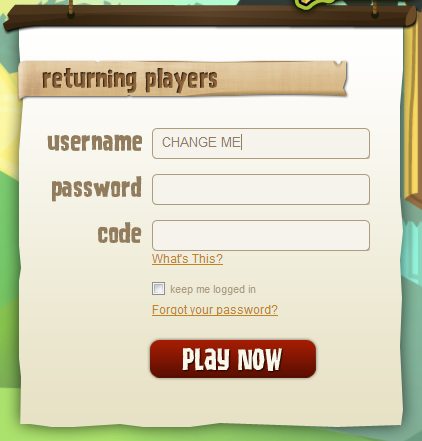
Did you know it’s possible to change your username on Animal Jam? All you have to do is message support. But be aware that they will only be able to change it for you once. So take your time and choose your new username carefully!
In order to change your username, simply send an email to [email protected] with the following information:
– Old username – Parent email associated with your account
– Four unique choices for your NEW username (Please be aware that spaces and special characters are not allowed. And, for security reasons, personal information such as names and addresses are not allowed.)
If you have successfully purchased an Animal Jam Club Membership for this account, we require further account verification:
– Either the Animal Jam Transaction ID issued upon purchase, the Transaction ID issued by the particular method of payment used (i.e., PayPal issues a separate Transaction ID), OR the gift certificate code used to enact membership.
If you do not have record of the Transaction ID, simply email [email protected] to find out other ways to verify your membership account.
